Class pack
4 / 10 left
For clinics and independent practitioners
Health and wellness loyalty for treatment plans, not one-off visits
For physiotherapy, chiropractic, osteopathy, massage, and similar practices. A first appointment only helps if the client comes back. They add your card to Apple Wallet or Google Wallet. Staff scan the QR after the session. No client app and no PointsCard account.


Physiotherapy, chiropractic, osteopathy, massage, and similar practices.
 PointsCard now
Leo Martins booked a haircut
Sat 24 Oct · 10:30am
Good afternoon
Quick actions
Recent activity
Wallet

Credit $24.00
Reward 42 of 50 to a free coffee
Packages 4
Maya Chen
Show this QR at the counter
Once, to Apple Wallet or Google Wallet. No customer login.
Award a visit, deduct a package credit, or both from the company app.
Balances update on the pass. Front desk and client see the same numbers.
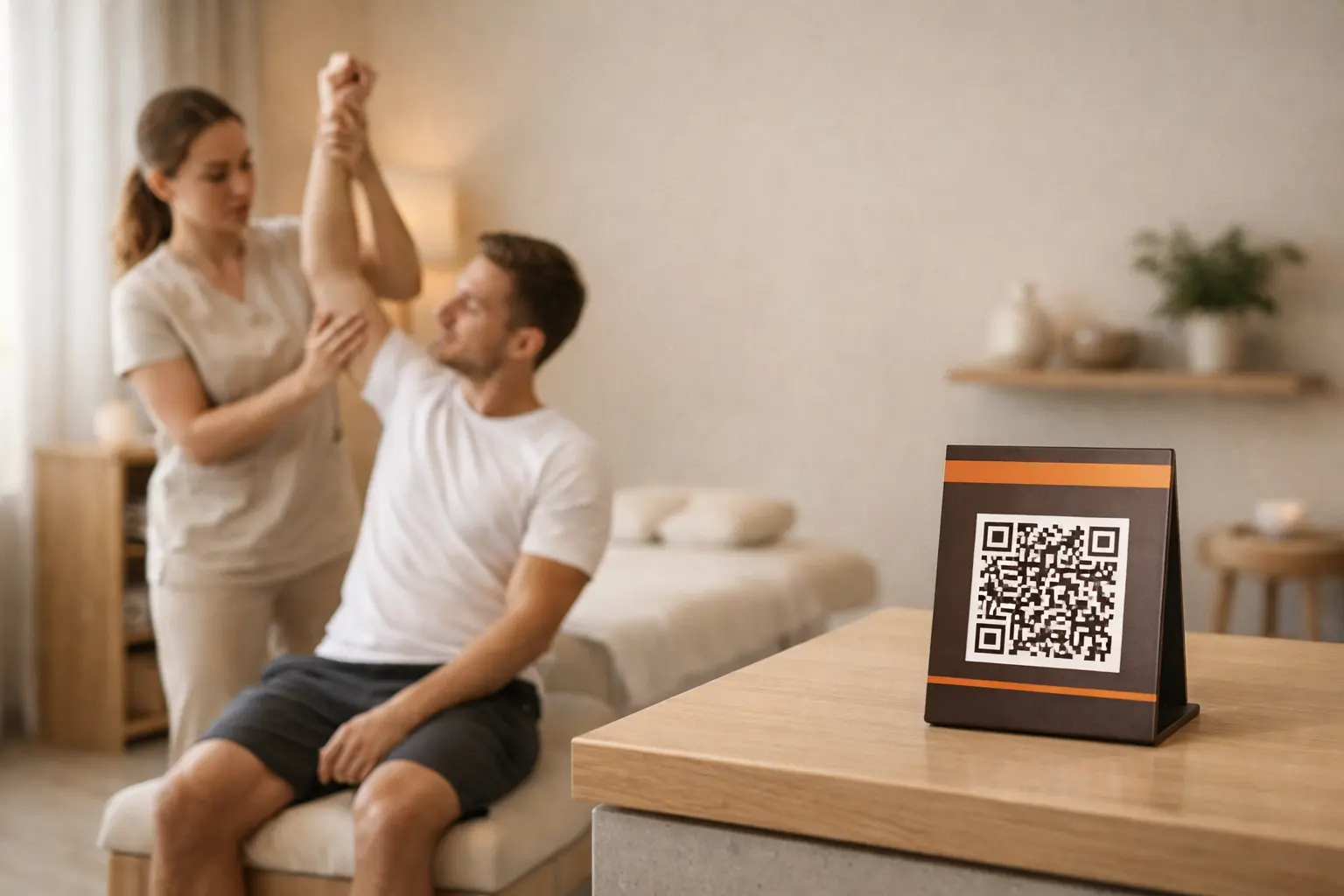

A first visit only helps if the client comes back for the rest of the plan.
Examples you can configure, not existing PointsCard customers.
Massage therapy
Visit-based loyalty. You choose the reward size.
Physiotherapy
Aligns a digital stamp with the plan you already discuss in the room.
Chiropractic
Keeps long-term maintenance clients in a simple loop.
Osteopathy
The scan is the record. Front desk stays focused on people.
Estimates only. Tax, insurance, and scope rules vary by region and profession. Calculators update as you type.
Visits done versus planned. Optional fee shows rough value completed.
Compare a bundle to charging full price each visit.
Perk after N visits as a share of revenue from those visits.
Set your rewards. Add packages when you are ready. Loyalty works from day one.
No customer app install. No login. Staff scan from then on.
Award points or deduct package credits in seconds.
No. They add your card to Apple Wallet or Google Wallet once. After the session, staff scan the QR to award a visit or use a package credit. There is no client account for PointsCard.
Yes. The client pays you the way you already take payment. You load prepaid session credits on the wallet pass. Each visit scan uses one credit, and the remaining balance stays on the pass. See prepaid packages.
No. Keep the system you use for scheduling and clinical notes. PointsCard is the loyalty card and the package balance your front desk scans.
Yes. Customer records in PointsCard include visit history, so staff can see recent scans without a paper stamp card. You can add a note on that visit. Clinical notes stay in your other software.